
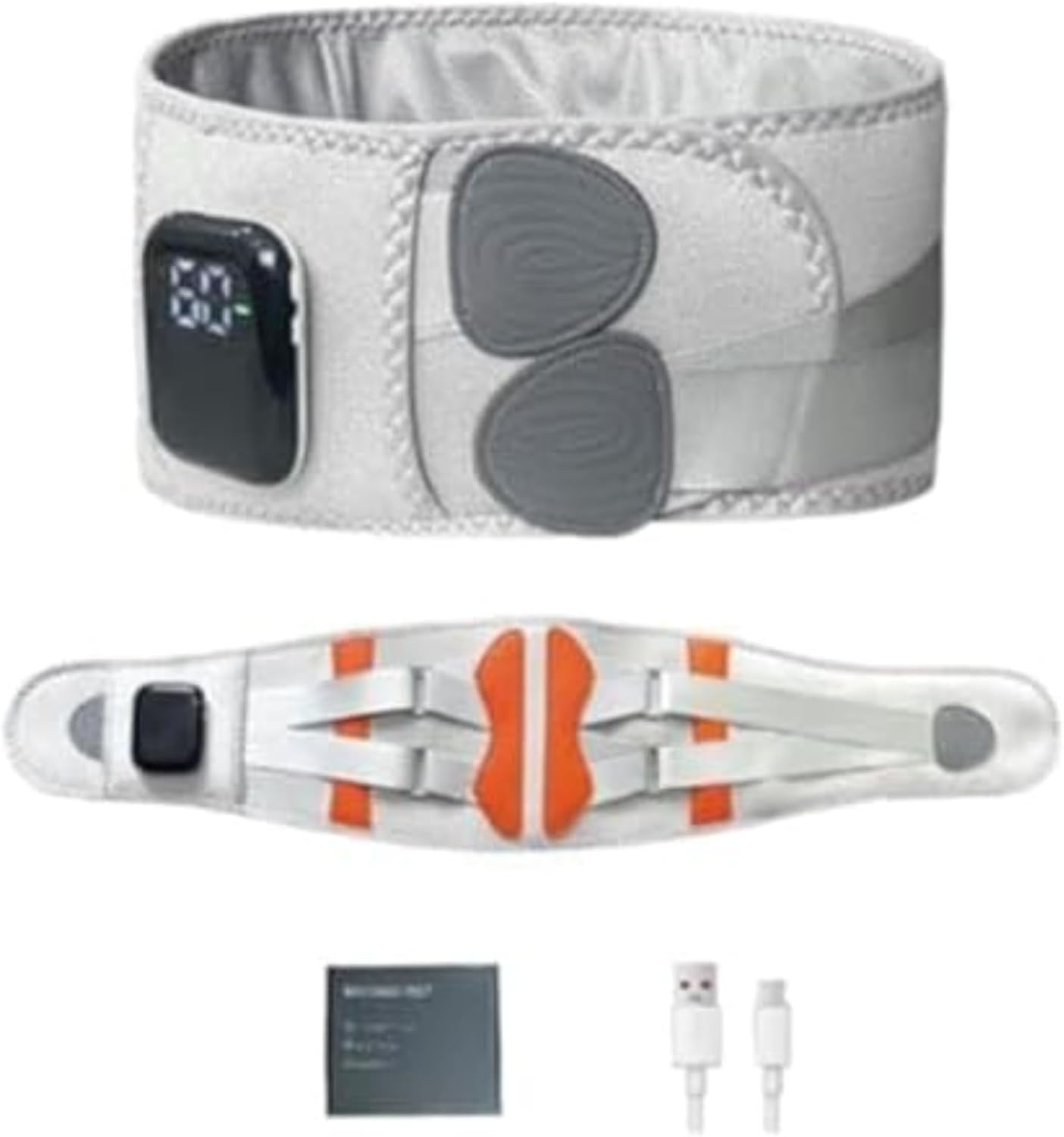
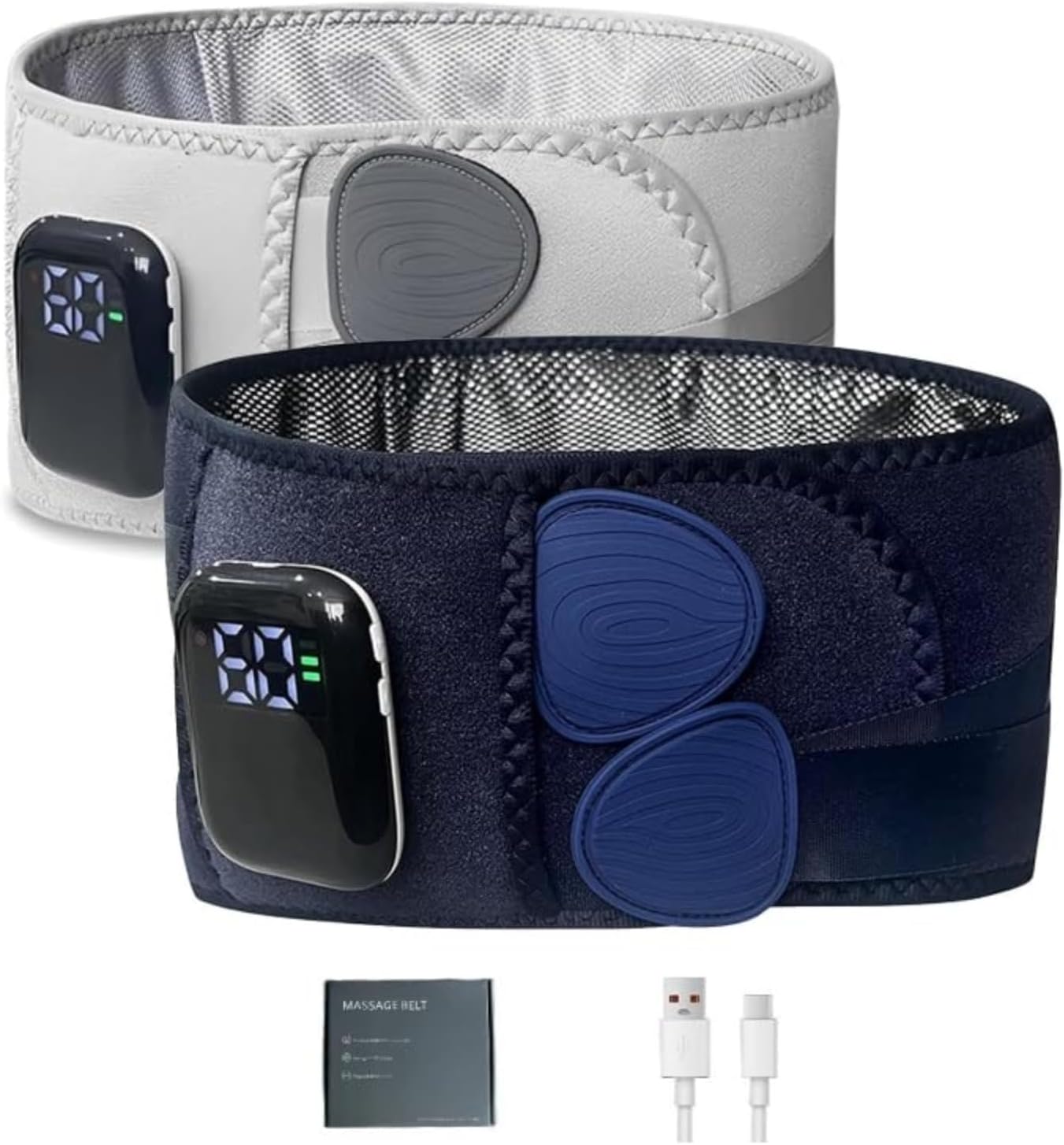
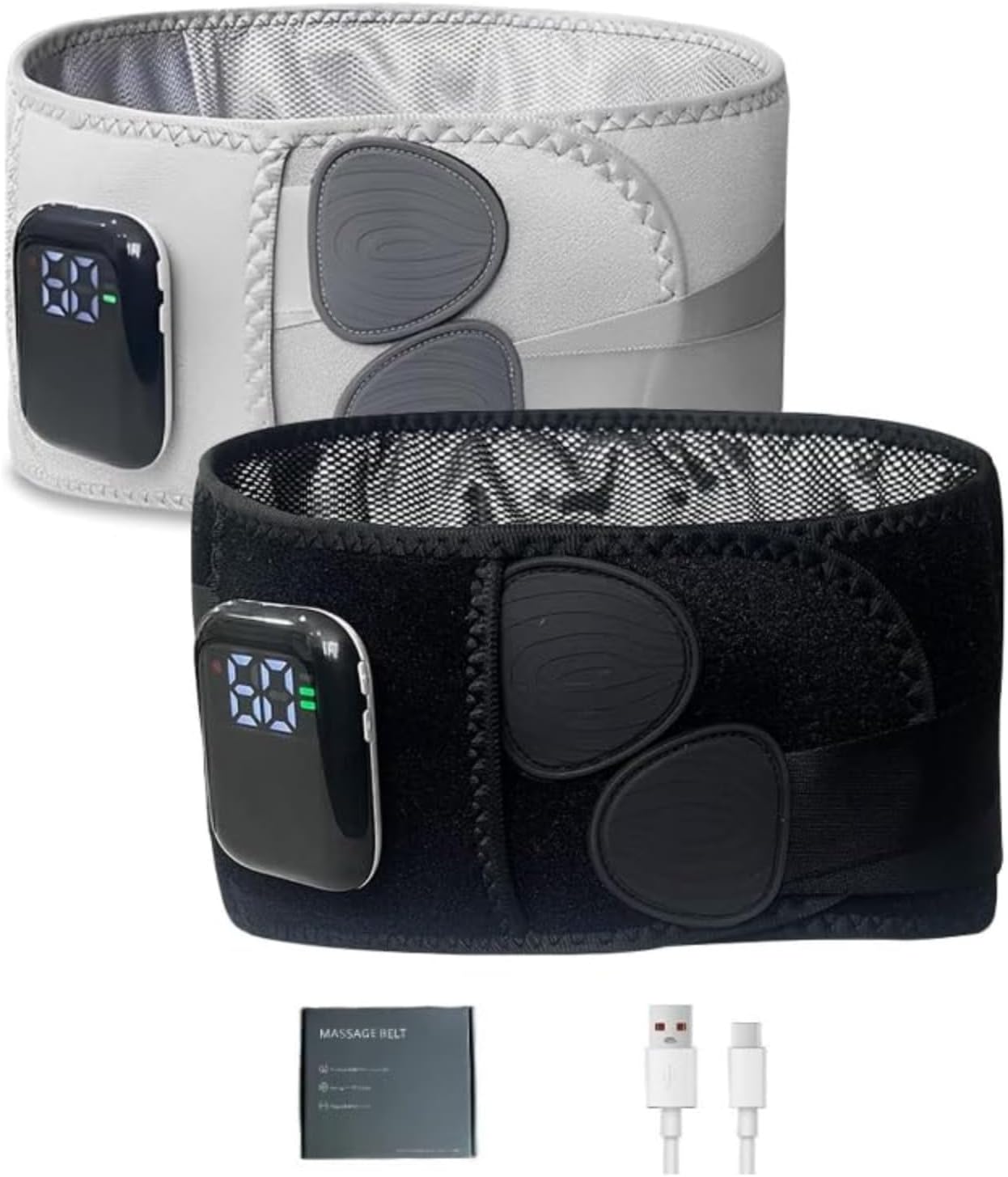
Heated Waist Massager Belt, Cordless Infrared Heating Pad Waist Warmer Massager, Rechargeable Multi-Functional Relaxing Lumbar Massage Device (White)
Product details
| Management number | 215704168 | Release Date | 2026/04/12 | List Price | $28.00 | Model Number | 215704168 | ||
|---|---|---|---|---|---|---|---|---|---|
| Category | |||||||||
Usage Instructions 1. Before use, check if the product powers on. If it does not start, charge it using the included charging cable before use. 2. Secure the massager around your waist. 3. Press and hold the power button for 2 seconds. The buzzer will beep once, activating the default 00 mode (no heating). 4. After turning on the device, press the “+” heating button once to adjust the temperature upward. When the temperature display reaches 60°C, press the “+” button again. It will beep twice (the number remains unchanged). Press the “-” button to decrease the temperature. When the temperature display reaches 40°C, press “-” again to lower it to 00. Pressing “-” a third time will cause the device to beep twice (“beep-beep”) while the temperature display remains unchanged. Temperature range: (00-40°C-45°C-50°C-55°C-60°C) 5. The M massage key switches modes. The product cycles through three massage modes (Massage Mode - Percussion Massage Mode - Strong Massage Mode) and Off Mode. The indicator displays white on the screen (1-L2-L3-L0). L0 turns off massage mode. 6. Power Button: - Press and hold for 2 seconds to power on. - Single press locks the screen and lights the indicator. - While powered on, press and hold the power button. The buzzer emits a “beep” sound, and the product shuts down, turning off all indicators. Troubleshooting Guide If the product fails to operate normally, check for the following conditions. Should our suggestions not resolve the issue, return the product to your dealer for repair. 1. Lumbar support device fails to power on Cause: Product remains plugged into household power outlet; battery is depleted; power button is not fully depressed. Solution: Remove charging cable from device; recharge battery; firmly press power button until fully depressed. 2. Charging indicator does not illuminate Cause: USB charging cable is not properly inserted into the power outlet. Solution: Correctly insert the USB charging cable into the power outlet. 3. Only operates for a few minutes even after charging Cause: Battery life has expired (approximately 5 years). Solution: Consult your dealer (do not attempt to replace the battery yourself). 4. Unit does not heat up Cause: The product may not function properly when used outside the recommended ambient temperature range. Solution: Use within the recommended operating temperature range of 0–40°C (32–104°F). 5. Product stops functioning during operation Cause: Battery power is depleted; the product automatically shuts down after approximately 15 minutes. Solution: Recharge the battery when power is low.
- Massage therapy provides pain relief by stimulating circulation and relaxing tense muscles, which helps release natural endorphins — your body’s built-in painkillers.
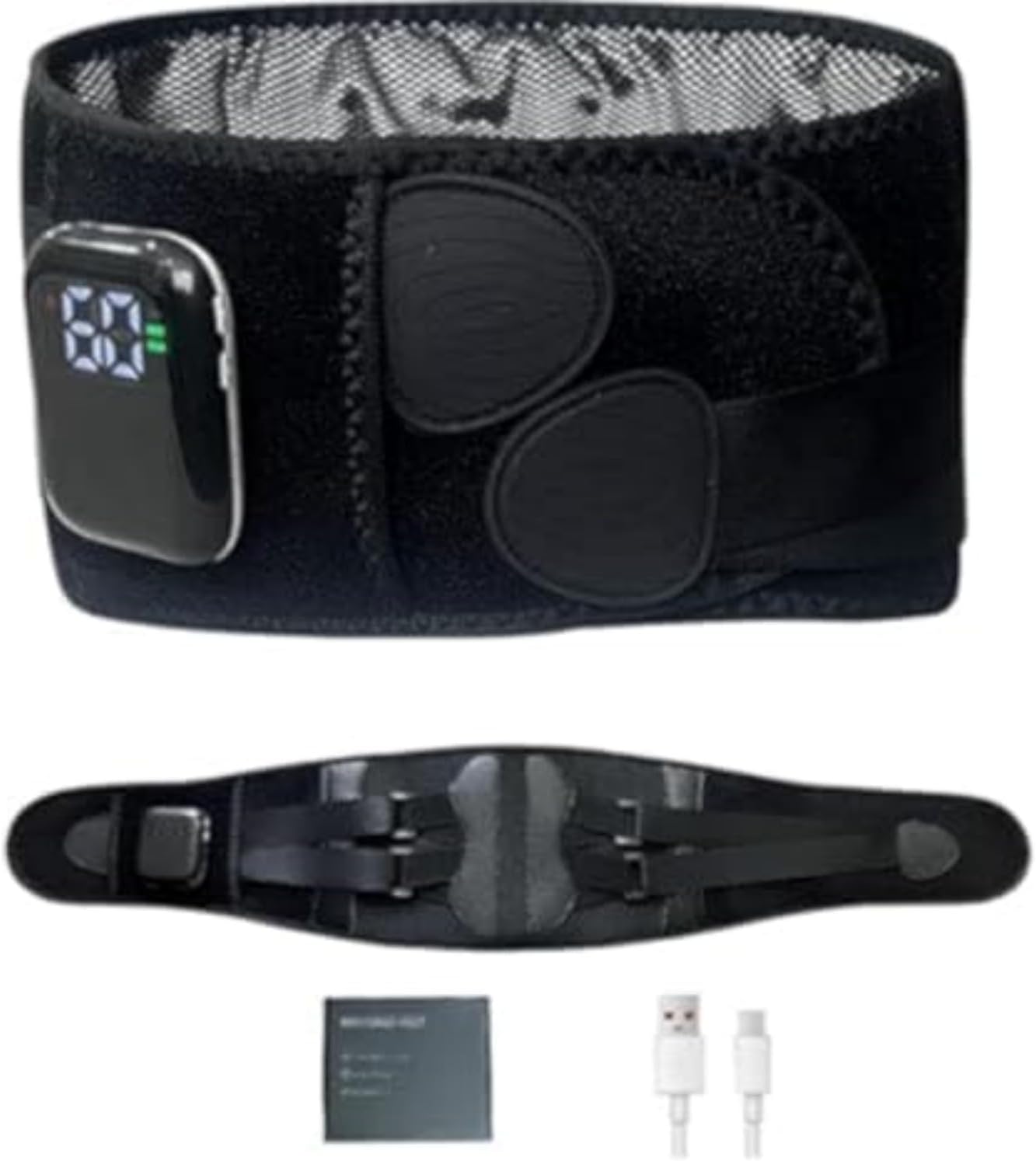
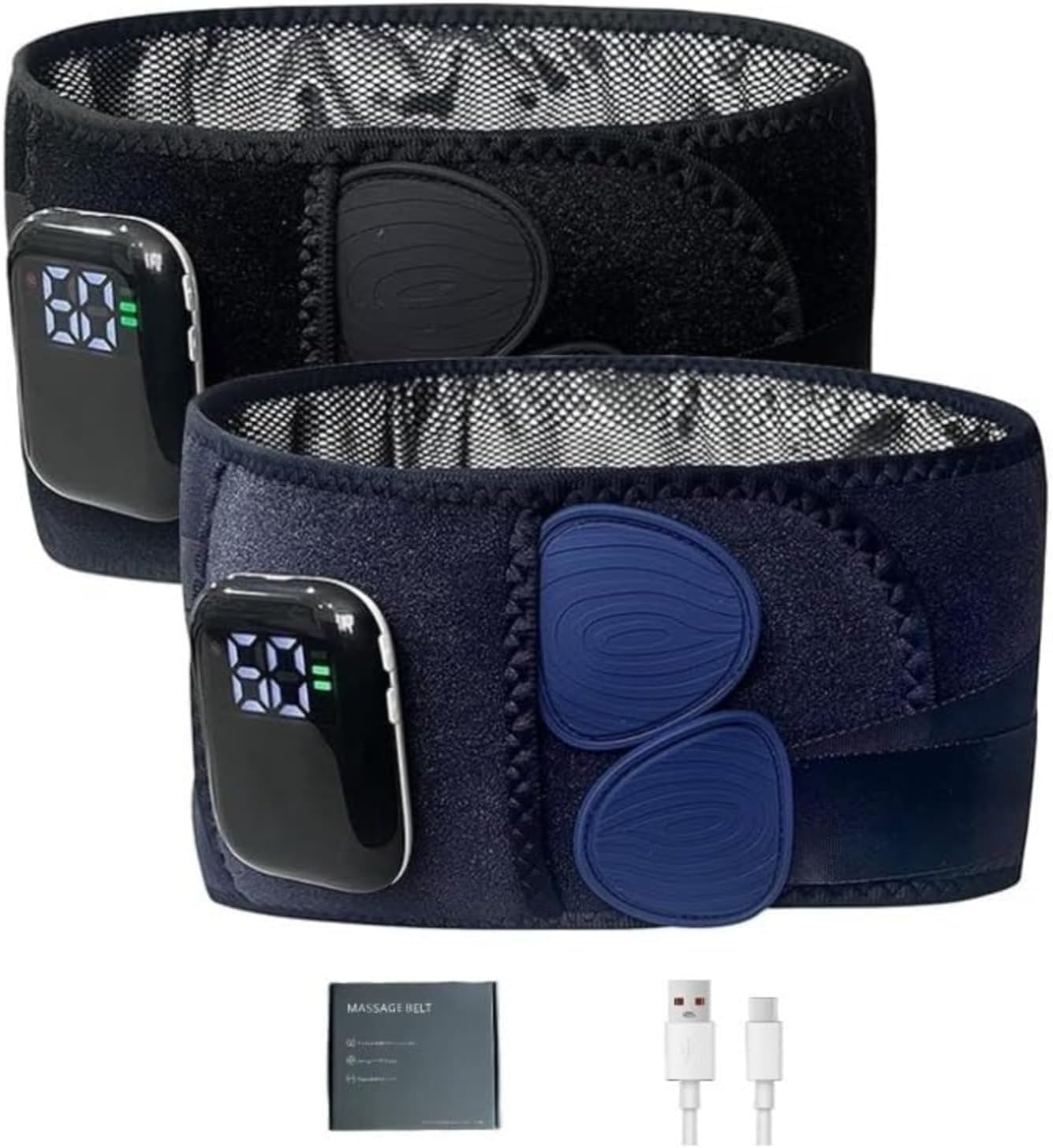
- Bionic Support Bars: Scientifically designed to support dual-zone vibration motors with high-frequency vibrations. Featuring a bionic support structure with three built-in support bars and a C-shaped curved design for optimal ergonomic support. Equipped with dual-zone vibration motors delivering powerful vibrations to relieve lower back discomfort.
- High-frequency vibration waves + red light heat therapy: Rhythmic vibrations revitalize your lower back muscles. Equipped with two electronic vibration motors and front-rear red light heat therapy, it delivers continuous high-frequency vibration waves to your lower back muscles. This rhythmic relaxation awakens vitality in your waist area.
- Breathable Material Pack Design: Features a porous inner pouch for holding sea salt packs. Paired with a heat therapy function, the sea salt essence permeates with warmth to alleviate lower back discomfort.
- Magnetic Snap Host Unit: Effortless installation and removal. Not just a massager, but also a lumbar support belt. Detach the host unit to transform it into a supportive lumbar belt. Lightweight and breathable for comfortable wear.
| Color | White |
|---|---|
| Brand Name | HuayoRong |
| Unit Count | 1 Count |
| Manufacturer | HuayoRong |
| Material Type | Acrylonitrile Butadiene Styrene, Composite fabric |
| Item Dimensions L x W x H | 9.6"L x 2.56"W x 10.24"H |
| Other Special Features of the Product | Rechargeable |





Correction of product information
If you notice any omissions or errors in the product information on this page, please use the correction request form below.
Correction Request Form